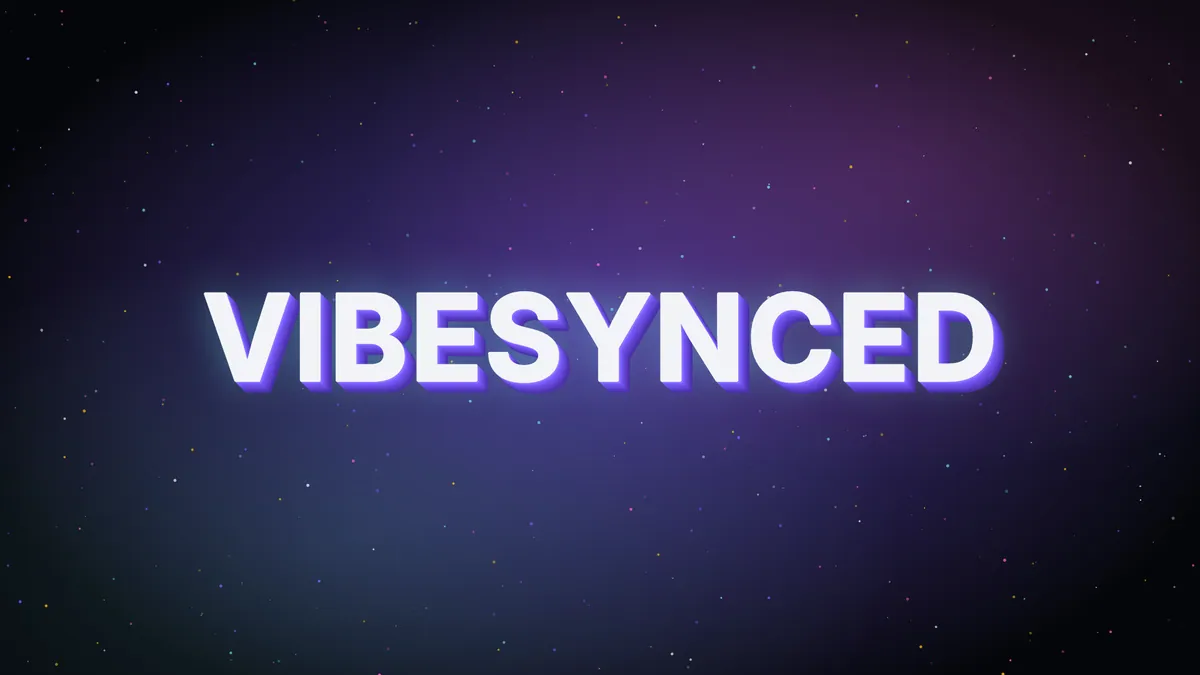
You can now put your own logo in VIBESYNCED. Add your name, a word or your own logo file to any scene, give it 3D depth and a material, and it moves with the music. It lives in the new Logo tab, next to Particles and Lyrics.
What a logo can be
Each logo is built from layers. A layer can be:
- Text: your name, a handle or any word, in one of 15 fonts.
- An SVG: a vector logo file, like the one from your designer.
- An image: a PNG with a transparent background works best.
Stack layers to build a full lockup, like a wordmark with a small icon beside it.
Make it 3D
Give each layer real depth and a bevel, then pick a material: matte, chrome, glass, neon, holo, or the scene’s own colors.
Blend modes decide how the logo mixes with the scene behind it. There are 12. Screen makes it glow, Multiply stamps it in like ink, and Difference flips the colors underneath.
Not sure where to start? Presets do it in one tap: Neon sign, Chrome headliner, Ghost watermark, Hologram and more.
It moves with the music
Pick how the logo reacts:
- Kick Pulse: the size pumps on every kick.
- Bass Glow: the glow swells with the bass.
- Hue Shift: the color drifts with the mids.
- Drop Shake: it shakes on drops and nods on kicks.
- Breathe: it fades and grows with the loudness.
You can also set it moving (spin, drift, bounce, orbit, float and more) and choose whether it sits on top of the scene or inside it.
How to add your logo
- Open VIBESYNCED and play a song.
- Open the visual settings and pick the Logo tab.
- Choose Text, SVG or Image, then type or upload.
- Pick a preset or style it yourself.
On a computer, click the sparkle icon (Particles) in the player bar, then Logo. On a phone, pull the player menu up, then tap Logo. Press T for full screen when it looks right.
Who can use it
Logos come with Pro and the Founder Pass. Your logo shows on every scene, or you can set a different one per scene.
Everyone else can try it too. Sign in with a free account and you get 60 seconds of logo time every week. The clock only runs while a logo is on screen.
One thing to know: logos are saved on the device you made them on. People you share a scene or room with won’t see your logo yet.
FAQ
Is the logo feature free?
You can try it free for 60 seconds a week with a free account. To keep a logo on, you need Pro ($5 a month or $40 a year) or the Founder Pass ($20 once).
Can I upload my own logo file?
Yes. Add an SVG or an image as a layer. Text layers work too.
Does my logo react to the music?
Yes. Pick a reaction like Kick Pulse or Bass Glow, or turn reactions off to keep it still.
Can I show lyrics and a logo at the same time?
No. Only one shows at a time, so turning on a logo turns lyrics off.
Can people in my room see my logo?
Not yet. Logos are saved on your device, so they show on your screen, projector or stream.