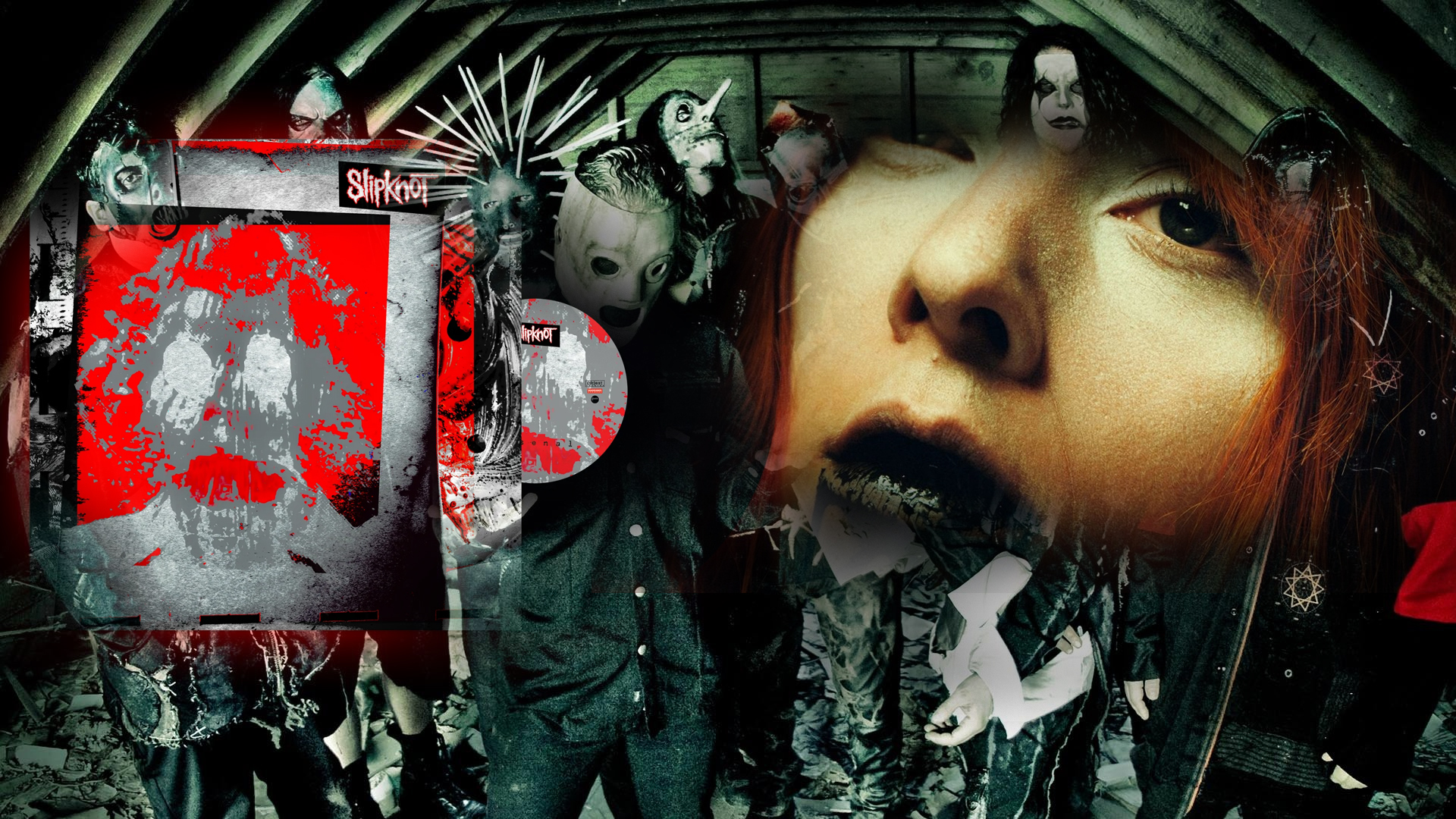
Want nonstop listening? Queue up a mix, a mood, or a whole night of music, hit play, and let every track drive its own light show while you sit back. Here's how to stream your own YouTube playlist in under a minute.
Step 1, Make the playlist public
If your playlist is set to Private, VIBESYNCED won't be able to see it. Open YouTube, go to your playlist, click Edit, and change the visibility from Private to Public (or Unlisted works too, it just won't show up in search, but the direct link will still load). This is the one step people skip, and then wonder why their playlist won't load.
Step 2, Copy the playlist URL
With the playlist open, copy the full URL straight from your browser's address bar, something like youtube.com/playlist?list=.... The whole link is what VIBESYNCED needs, not just the playlist name.
Step 3, Paste it into VIBESYNCED
Open VIBESYNCED, click the Tracks button, switch to the YouTube tab, and paste the URL. The whole playlist loads in, and you can jump between tracks with the previous and next controls without ever leaving the visualizer.
Once it's loaded, press T for theater mode and let the playlist run hands-free. Every new track pulls its own colors and rhythm straight out of the audio, so the visuals change with the mix.
That's the whole process, no downloads, no uploading each song one at a time. A public playlist, nonstop listening, and a mesmerizing visual experience.